MIDI Only
Minimal MIDI controller firmware with USB, TRS and Bluetooth MIDI, a monochrome display and disabled pads.
Checking firmware…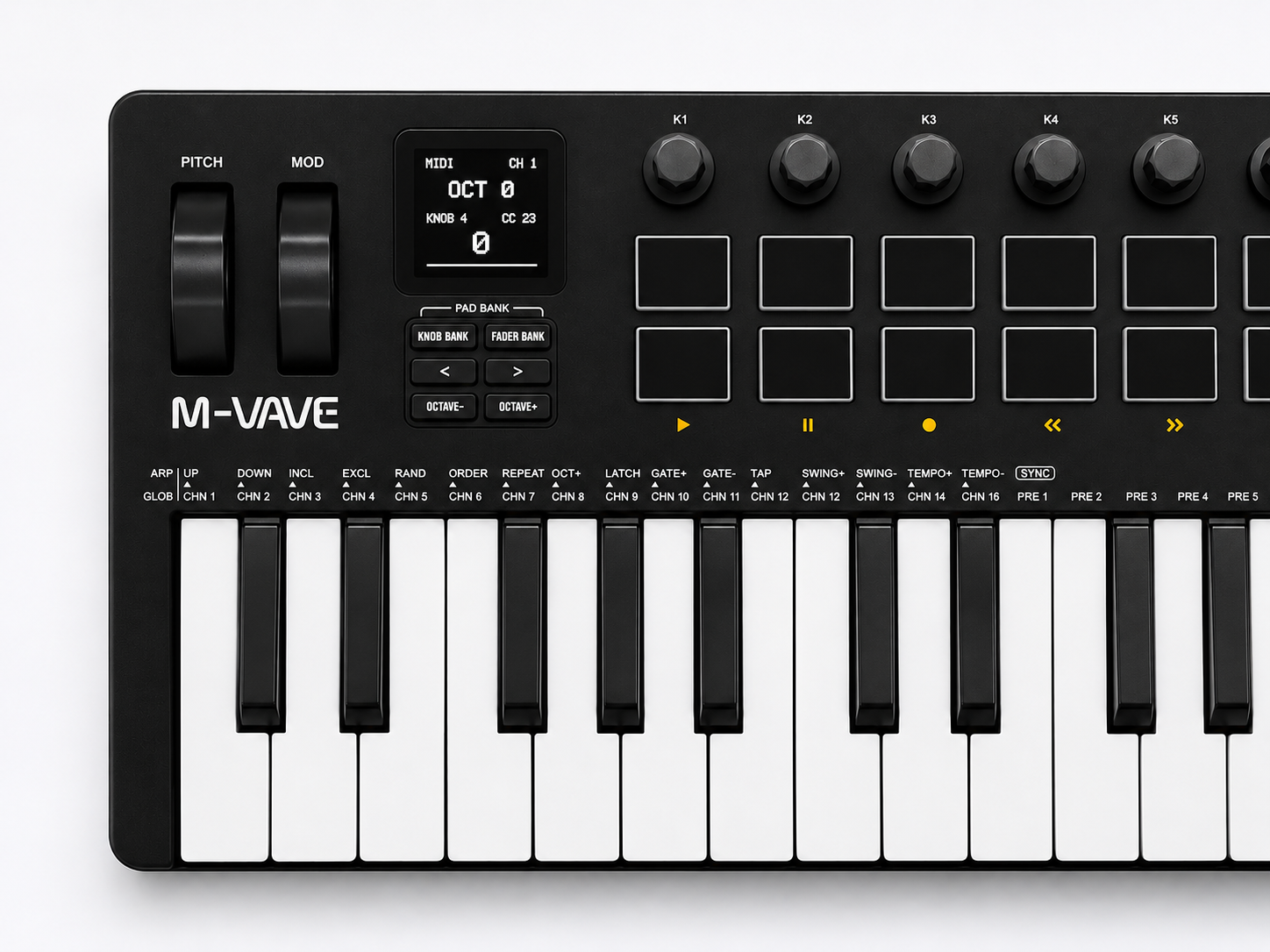
Features & controls
- Keyboard
- 37 velocity-sensitive keys
- Knobs 1–8
- CC 20–27
- Faders 1–4
- CC 28–31
- MIDI channel
- 1
- Modulation / Sustain
- CC 1 / CC 64
- Pitch bend
- Enabled
- Pads / Pad lights
- Disabled
- MIDI outputs
- USB · TRS · BLE
The display shows the current octave and the last knob or fader value. OCT −/+ shifts the keyboard. The sustain pedal sends CC64: 0 when released and 127 when pressed.
Battery display: raw ADC sensor value, not a calibrated percentage or charging indicator.Install firmware
Switch on your SMK-37 Pro and connect it with a USB data cable. Close other MIDI applications.
Use desktop Chrome or Edge. HTTPS or localhost and MIDI/SysEx access are required. Installation uses USB.
No device connected.
Initializing…
Keep USB and power connected until the device restarts and the installer confirms its firmware identity.Restore original firmware
Restore the original Pro V16 firmware and factory resources. Existing data may be replaced.
Connection log
Bluetooth MIDI
Bluetooth MIDI is enabled automatically. On a Mac, open Audio MIDI Setup → MIDI Studio → Bluetooth, select the controller and click Connect. Then select it as a MIDI input in your music software.